

Column resizing is not supported in the table dashboard element. To resize columns, use the Query tab, switch to the column-per-field view, and drag the column borders to resize them. For more information, see Query data.
Prerequisites
- Create an Axiom account.
- Create a dataset in Axiom where you send your data.
- Send data to your Axiom dataset.
- Create an empty dashboard.
Create
- Go to the Dashboards tab and open the dashboard to which you want to add the .
- Click Add element in the top right corner.
- Click from the list.
- Choose one of the following:
- Click Builder to create your chart using a visual query builder. For more information, see Create chart using visual query builder.
- Click APL to create your chart using the Axiom Processing Language (APL). Create a chart in the same way you create a chart in the APL query builder of the Query tab.
- Optional: Configure the dashboard element.
- Click Save.
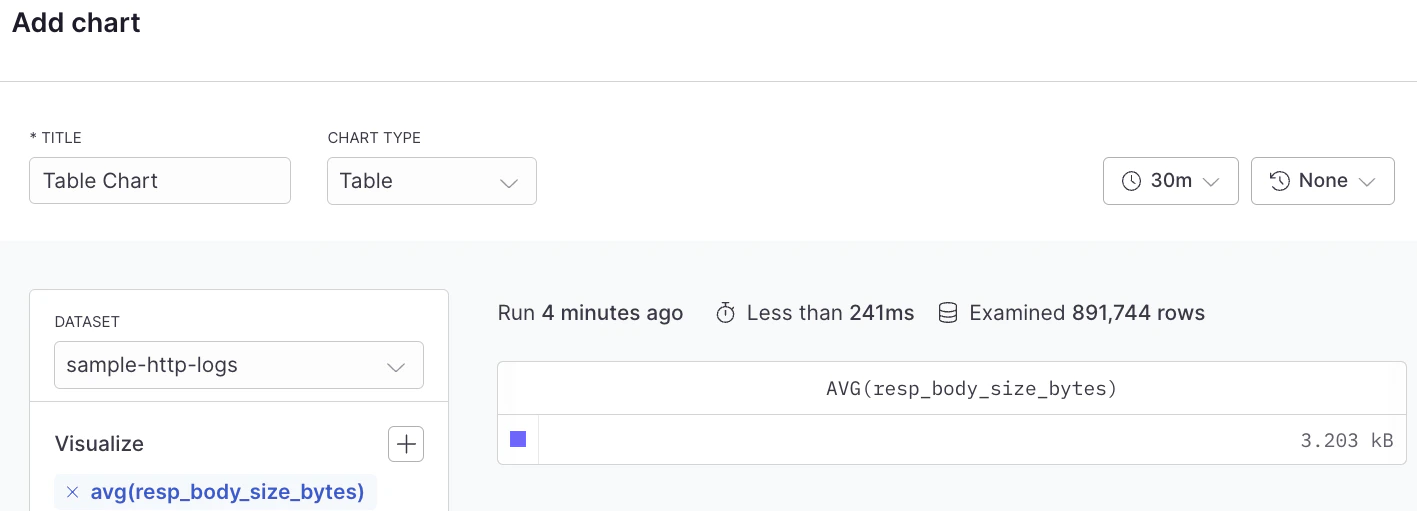
Example with Builder
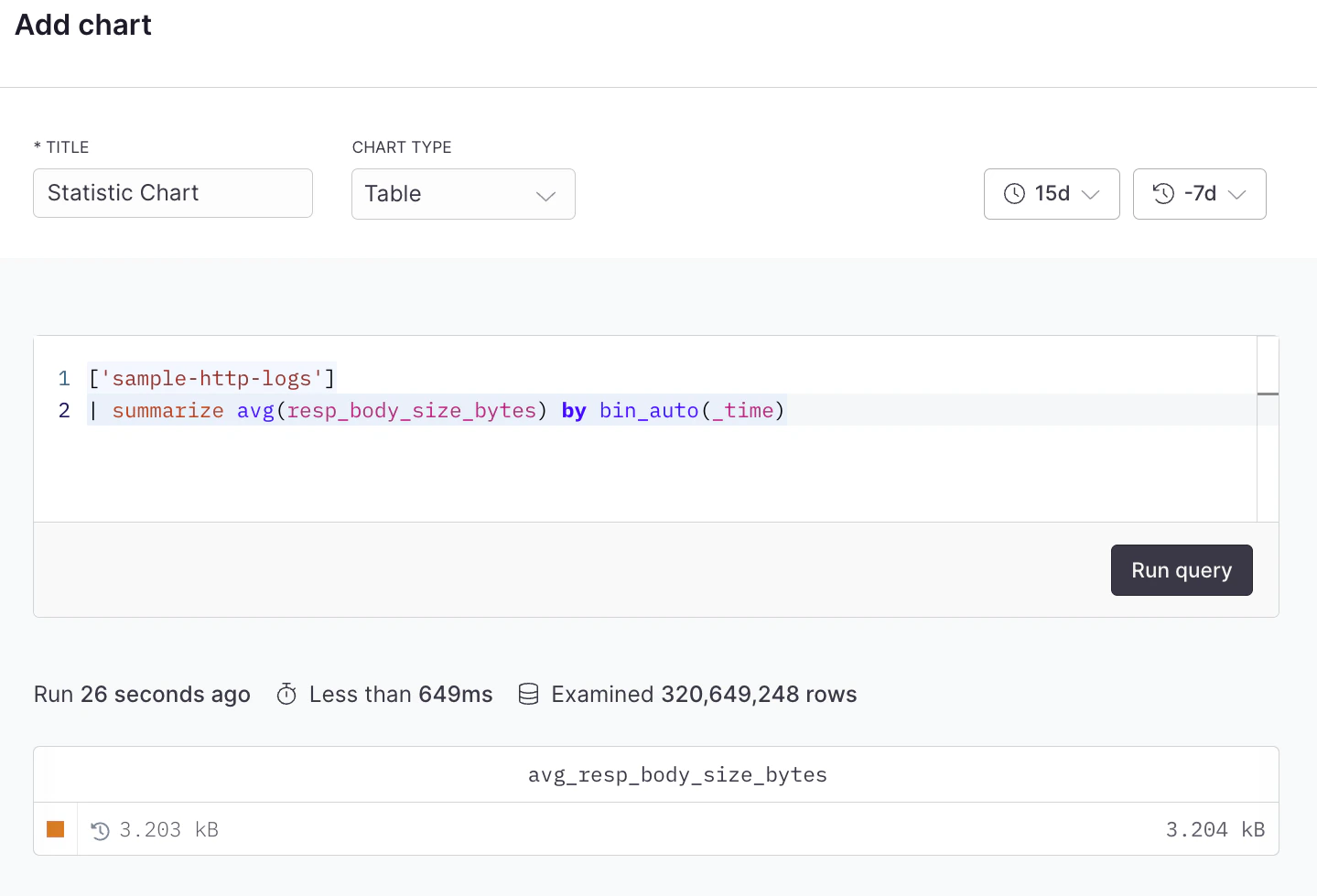
Example with APL
Combine multiple queries in a table
Each table element uses a single query. To display data from multiple queries in one table, use theunion operator in your APL query to combine results from multiple datasets or queries.
For example, to combine HTTP logs and security logs in a single table:
union operator merges compatible fields and preserves all rows from both queries:
If you need to display data from multiple independent queries that can’t be combined with
union, create separate table elements in your dashboard instead.